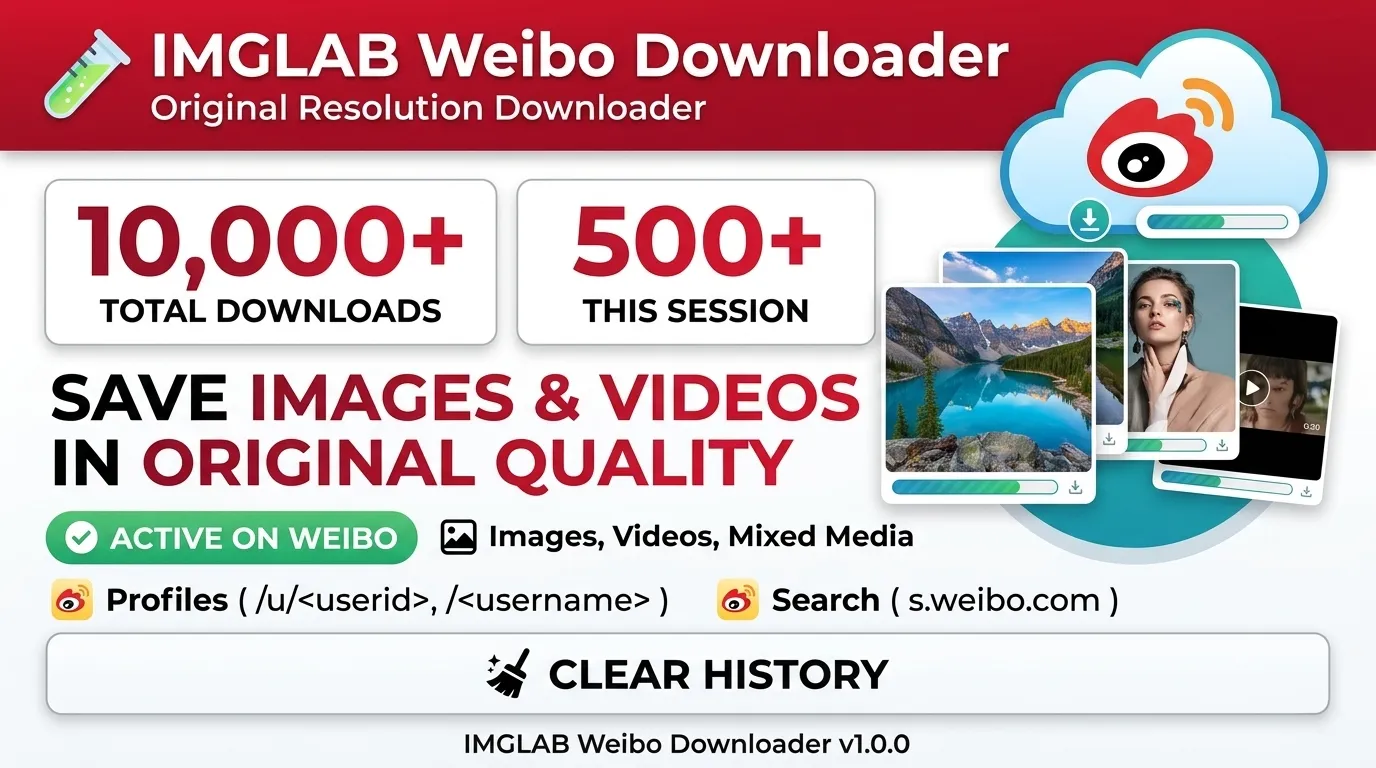
Download Every Weibo
Image & Video
Complete walkthrough — from install to advanced downloads. A red Download button is injected automatically into every post on weibo.com and s.weibo.com search results.
Install in 60 Seconds
IMGLAB Weibo Downloader is a Chrome extension. Follow these steps and you’ll be downloading Weibo images and videos in under a minute.
Click Add to Chrome — Free on the product page. Chrome will prompt for confirmation — click Add extension. The IMGLAB icon ⚡ appears in your Chrome toolbar. No sign-up, no account, no payment required.
Type the following in Chrome’s address bar and press Enter:
This opens the Extensions management page. Toggle Developer mode ON using the switch in the top-right corner. The “Load unpacked” button will appear.
Click “Load unpacked”. A folder picker opens. Navigate to and select the folder you unzipped in Step 1 — the folder that contains the manifest.json file. Chrome will load the extension immediately and IMGLAB Weibo Downloader will appear in your extensions list.
Open weibo.com in Chrome and log in to your Weibo account. The extension uses your existing session cookies to authenticate downloads. It never stores or transmits your credentials.
401 Unauthorized or an empty response. If downloads are not working, always check your login status first.
Navigate to weibo.com. As you scroll the feed, a red “Download” button will appear automatically on every post card that contains images or videos. Click it to download all media in that post at once.
To download a single image, hover over any thumbnail — a small circular badge will appear. Click it to save just that image. Files are saved to Downloads/weibo/{username}/.
chrome://extensions/ and click the ↺ refresh icon on the IMGLAB card. Your settings are preserved automatically.Download Methods
The extension offers two download methods: bulk download for an entire post, and individual download for a single image.
A red “Download” button appears in each post card’s footer action bar — beside the retweet, comment, and like buttons. Click it to download all images and videos in that post in sequence.
For M3U8 videos, the button label updates to show segment progress (e.g. "32/96 segs"). When complete it changes to “N files ✓”.
A small circular download badge appears in the top-right corner of each image thumbnail (revealed on hover, click to download instantly). Perfect when you only want one specific image without downloading the entire post.
A larger badge also appears in the inline lightbox viewer when you expand an image — it downloads whichever image is currently displayed and persists through left/right navigation.
weibo.com tab open. This is a fundamental constraint of Chrome’s MV3 extension model. No extra setup is needed on weibo.com itself.Button & Badge States
Ready to download. The footer button shows “Download”. The thumbnail badge is a semi-transparent circle that glows red on hover.
Fetching API data or downloading files. The footer button is greyed out and shows “Downloading…” (or segment progress for M3U8 videos). Badges show a spinner animation. Cannot be re-clicked during this state.
Download successful. The footer button turns green and shows “N files ✓”. On future visits the button shows grey “Downloaded ✓” — the download history tracking feature.
Download failed. The footer button turns red and shows an error message. Badges show a red error icon — click to retry. The most common causes are a Weibo session expiry or a network error.
Technical Architecture
A technical explanation of why this extension works where other tools fail. Understanding how Weibo’s authentication is handled will also help with troubleshooting when something goes wrong.
A MutationObserver watches Weibo’s DOM and detects every new post card added — catching infinite-scroll loads, navigation events, and dynamically injected content. A dataset.imglabInjected flag prevents double-injection. Separate injection logic handles the different DOM structures of weibo.com and s.weibo.com.
Clicking the button calls GET weibo.com/ajax/statuses/show?id={postId} with your session cookies and X-XSRF-TOKEN header. On weibo.com this is a direct same-origin fetch. On s.weibo.com, chrome.scripting.executeScript injects code into an open weibo.com tab that makes the API call instead — the only reliable way to pass Weibo’s Sec-Fetch-Site validation.
Images are resolved to the /large/ CDN path for full original resolution. Videos are resolved through a 6-step priority chain: TV API (4K) → playback_list HD → mp4_hd_url → stream_url_hd → stream_url → replay_hd. M3U8 master playlists are parsed by BANDWIDTH= value and the highest-bitrate stream is selected automatically.
Image fetching on weibo.com uses XMLHttpRequest + withCredentials: true from the content script. Because the content script runs in the page’s own browsing context, the correct Sec-Fetch-Site header and session cookies are automatically attached — exactly what Weibo’s sinaimg.cn CDN requires. The same request sent from a background Service Worker returns 403. This is why most competing tools fail.
sinaimg.cn returns Access-Control-Allow-Origin: https://weibo.com, so XHR from an s.weibo.com content script is blocked by a CORS origin mismatch. The fix: chrome.scripting.executeScript injects code into a weibo.com tab that fetches the blob, encodes it as Base64 in 8 KB chunks, and returns it to the content script. The content script reconstructs the blob and triggers the download.
The fetched blob is converted to a blob: URL via URL.createObjectURL(blob) — never a data: URL — and passed to chrome.downloads.download(). Only blob URLs trigger the onDeterminingFilename event, which is the only reliable way to apply a custom filename like weibo/{username}/{filename} in MV3. With data: URLs this event never fires and Chrome falls back to a generic default name.
Supported Content Types
Almost every type of media Weibo can display can be downloaded. Below is a technical breakdown of how each content type is handled.
pic_infos — original /large/ resolution
mix_media_info.items handled individually
page_info.media_info + 6-tier quality priority chain
pic.video both saved
TaskQueue · master playlist support
replay_hd field when object_type === 'live'
retweeted_status · retweeter’s comment used as filename slug
# is valid on Windows & macOS)
Filename Naming Rules
URLs, hashtags, and @mentions are stripped from the post text — the first 30 characters are used. Example: username-post-caption-text-01.jpg
If the post body is empty or symbols-only, the hashtag text is used as-is. # is a valid filename character on Windows and macOS. Example: username-#tagA##tagB#-01.jpg
If no text can be extracted, the post ID is used. Always unique and always traceable back to the original Weibo post. Example: username-5079341827654-01.jpg
Known Limitations
The extension uses your Weibo session cookies and XSRF token to call the API. While logged out, the API returns 401 Forbidden or an empty response and all downloads will fail.
weibo.com and log in to your Weibo account.When using s.weibo.com, the same browser must have at least one weibo.com tab open. This is a fundamental constraint of Chrome’s MV3 model — the extension must run code inside an actual weibo.com page context to make authenticated requests to weibo.com.
The M3U8/HLS stitching, 4K TV API, master playlist quality selection, and live stream archive code are all implemented, but not every video format has been fully tested in the real world. If a video does not download as expected, check the console logs.
[IMGLAB Weibo] to identify which stage is failing.M3U8 videos require downloading many .ts segment files and stitching them together, so they take longer than direct MP4 downloads. Downloads run 5-concurrent, but long-form videos with 100+ segments may take several minutes. Live progress is shown in the button label (e.g. 32/96 segs).
Weibo periodically changes their DOM structure, CDN policies, and API response format. These changes can cause buttons to stop appearing or downloads to fail. Such issues are typically fixed in extension updates.
When a post card’s DOM structure differs due to Weibo A/B testing or regional variations, the injection selector may not match and the button will not appear. Video-only posts in particular can have different footer structures.
[IMGLAB Weibo]. API responses, download list contents, and detailed error messages are all logged there.Support & Donations
This Extension
Lives on Your Support
IMGLAB Weibo Downloader is and will remain completely free — no ads, no subscriptions, no data collection. Every feature you see — M3U8 stitching, s.weibo.com support, live photo downloads — took real debugging time to get right against Weibo’s authentication system.
We’ll be direct: Weibo changes their CDN and API frequently. Keeping the extension working requires ongoing maintenance, and that work depends on community support. If you’ve saved images or videos you care about — a one-time coffee is the best way to keep this project alive.
[IMGLAB Weibo] errors.weibo.com, confirm you are still logged in, then retry.weibo.com tab open in the same browser window. Open weibo.com in another tab and retry.