
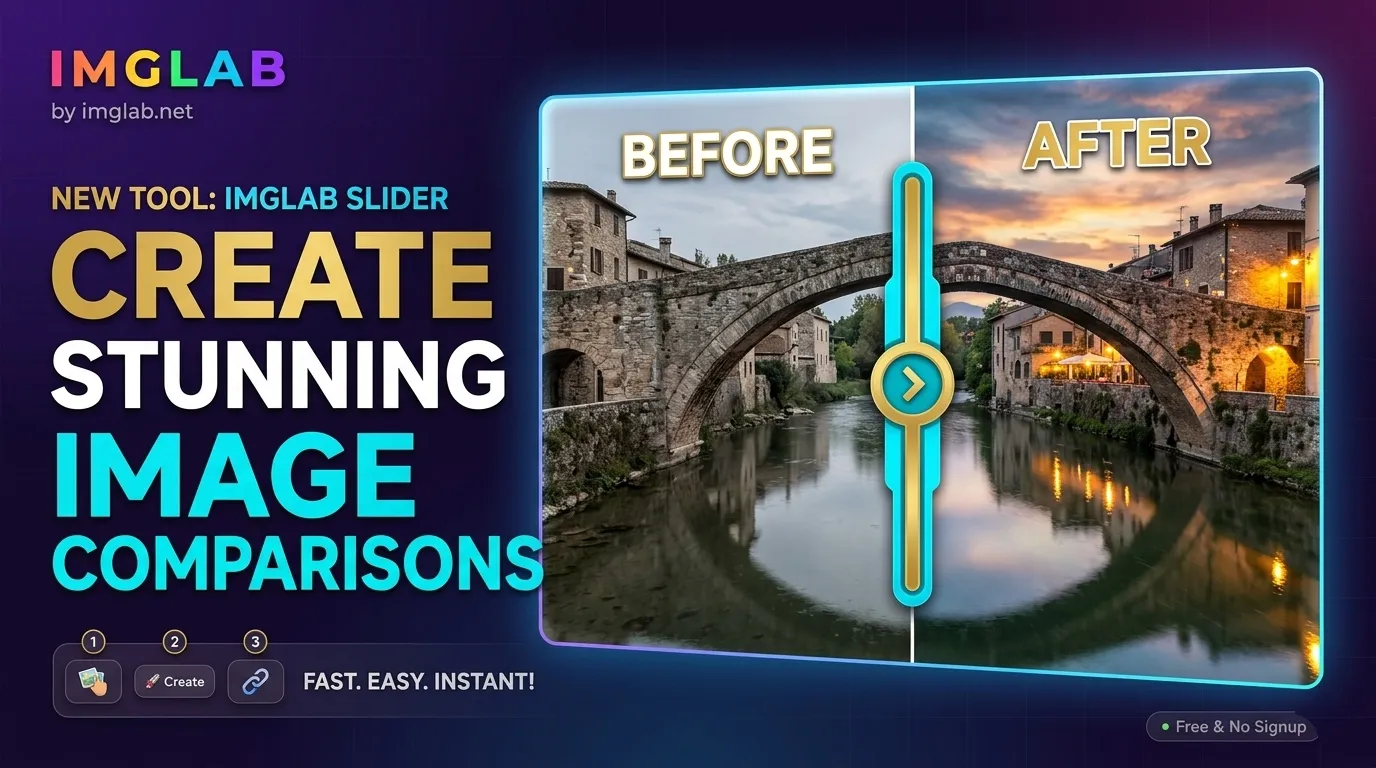
IMGLAB
Image Comparison Slider
Drop two images. Get a shareable, interactive split-screen comparison in seconds — no account, no watermarks, no limits. Perfect for before/after, AI upscale tests, photo edits, and retouching showcases.
drop · create · copy
PNG JPG WebP AVIF GIF
before upload
required

A Real-Time Split-Screen Comparison You Can Share
The output is a fully interactive viewer — drag the center handle left or right to reveal either image. The link you get works on any device, loads instantly, and requires nothing from the viewer. Share it on social media, in Discord, Slack, or directly in a browser.
- ✓ Draggable center divider with circular handle
- ✓ Fullscreen support — fills the entire screen
- ✓ Zoom controls — inspect details at any resolution
- ✓ Works on desktop and mobile — touch-friendly
- ✓ Press X to swap left & right images instantly
- ✓ ❤ Give up to 5 hearts — show how impressed you are
- ✓ Shareable link with your custom comparison name
- ✓ No viewer account needed — just open and drag
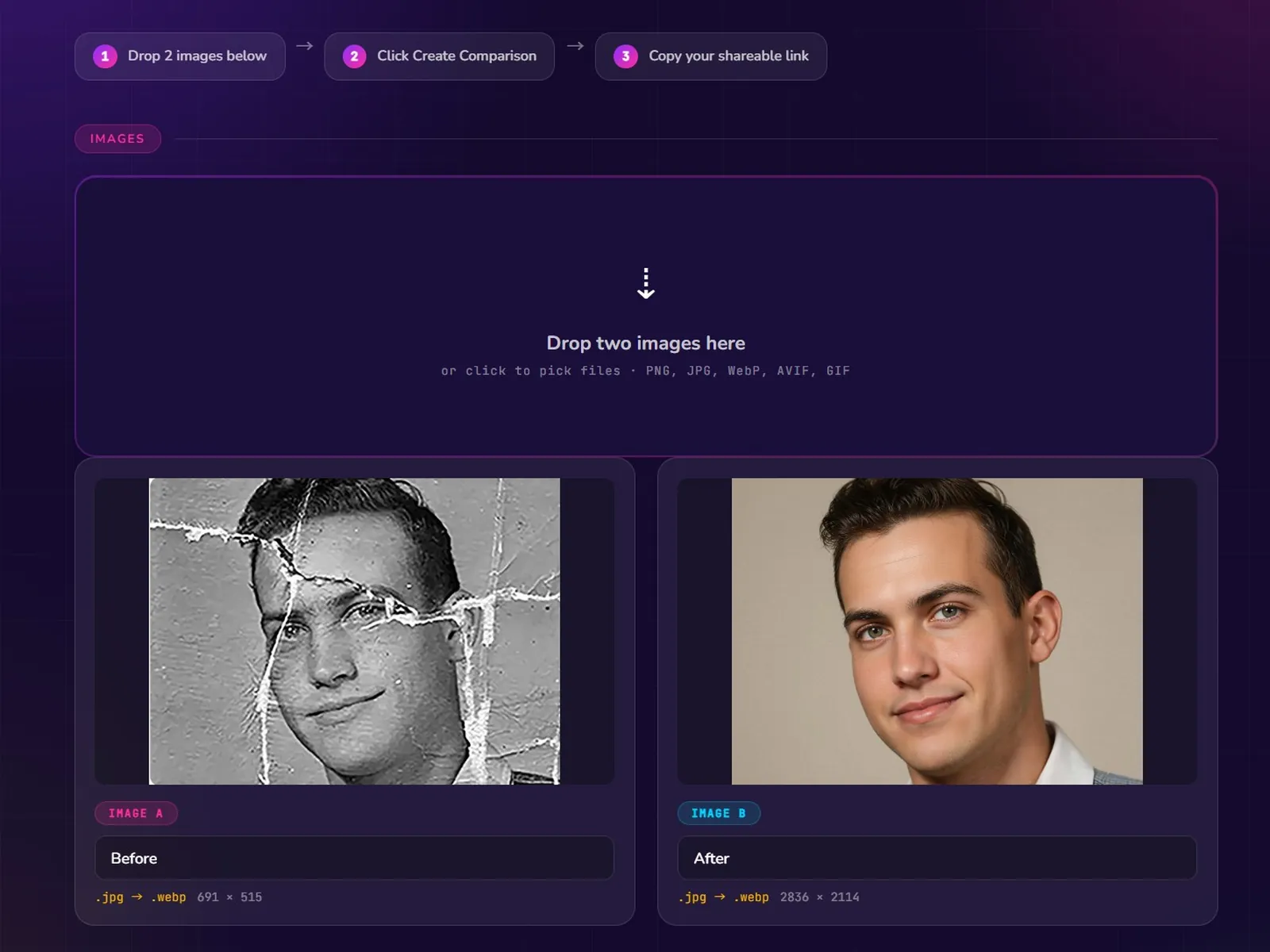
Drag and drop two images onto the upload zone — or click to pick files. PNG, JPG, WebP, AVIF, and GIF all accepted. The tool shows a live preview of both images with their labels.
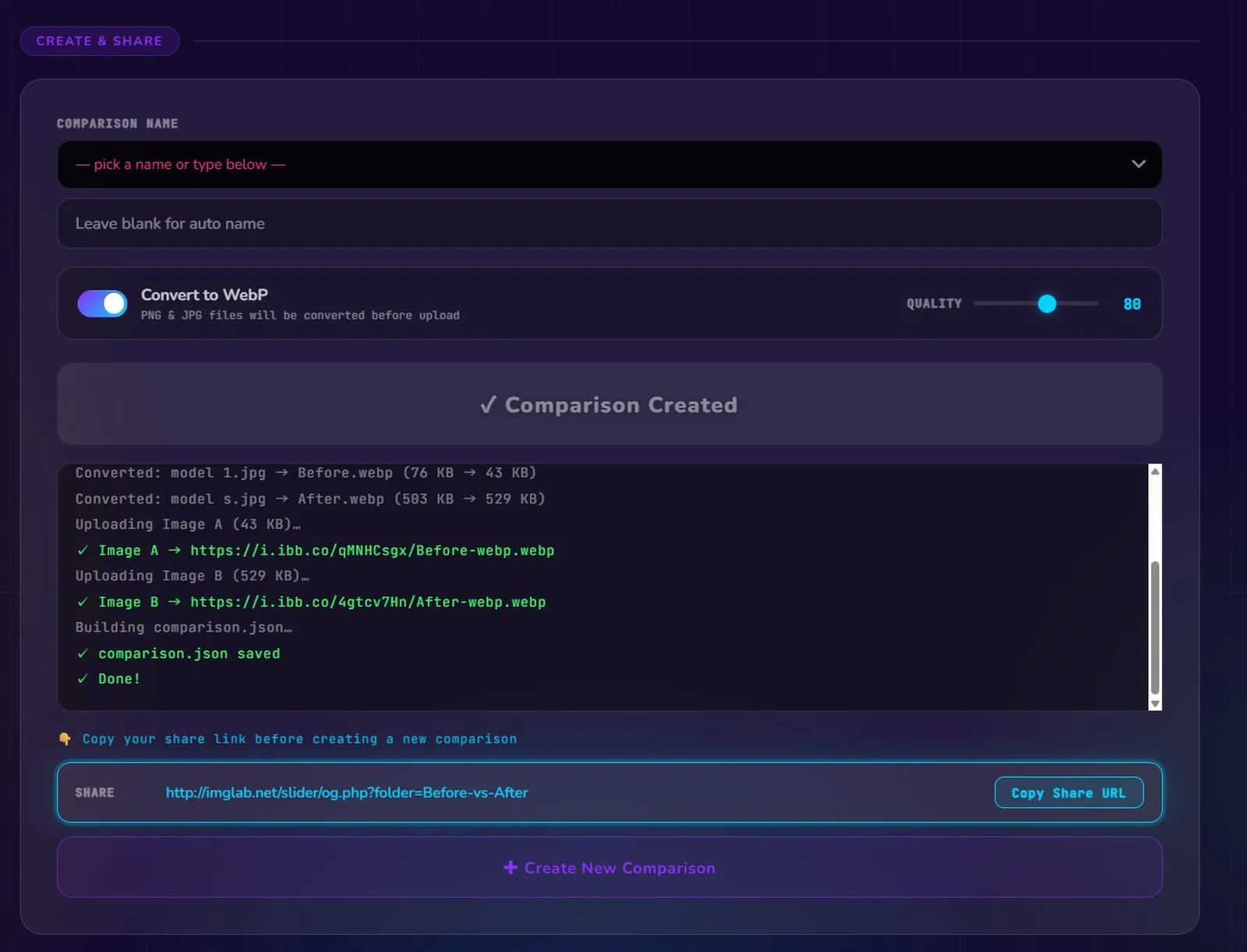
Name your comparison, optionally convert to WebP for smaller files, then click the Create button. Images upload and the comparison JSON is saved — takes just a few seconds.
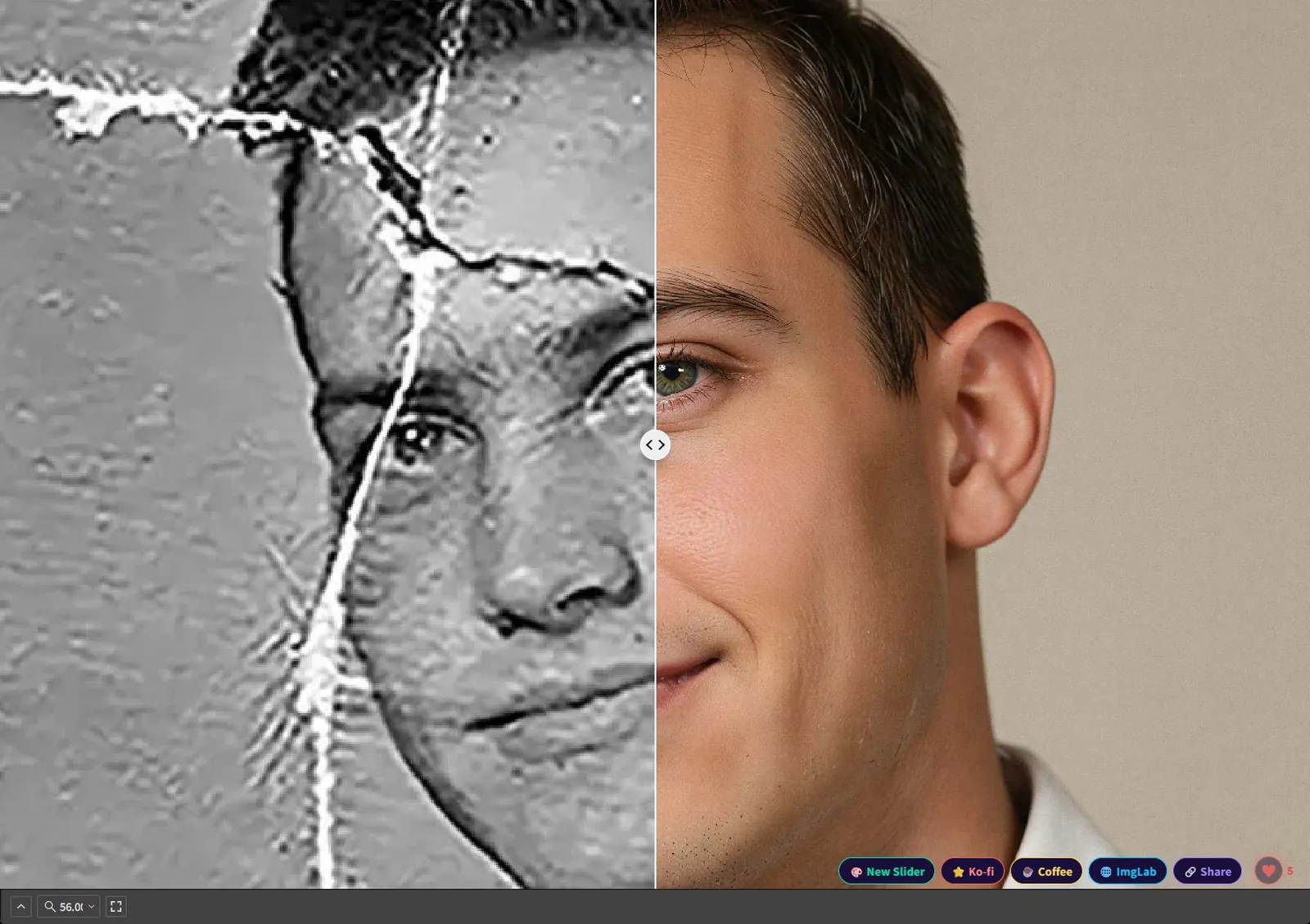
Your unique share URL appears instantly. Copy it with one click and send it anywhere. Anyone who opens it sees the live interactive comparison — no login, no app, no friction.
The generated viewer uses a real draggable divider — not a static GIF or screenshot. The handle can be dragged to any position, letting viewers examine specific areas of both images at full resolution.
Every comparison gets a unique link at imglab.net/slider/. No expiry, no paywall, no account needed for viewers. Share in Discord, Reddit, Twitter, or embed in a blog post — it just works. A Share button in the viewer lets anyone re-share it instantly.
PNG and JPG files are automatically converted to WebP before upload, shrinking file size without visible quality loss. A quality slider lets you tune the compression level from 1–100.
Name each image (e.g. “Before” / “After” or “Original” / “AI Upscale”) and give the whole comparison a title. The name becomes part of the shareable URL and the viewer heading.
Scroll to zoom, type an exact percentage, or pick a preset (Fit / 50 / 100 / 200). Inspect fine detail — texture, sharpening artifacts, noise — at full pixel resolution. Fullscreen mode fills any display.
Viewers can tap the ❤ button up to 5 times on any comparison to express how impressed they are. The live total updates in real time. Counts are stored per-browser, so returning visitors pick up where they left off — no login needed.
Press X on your keyboard to instantly swap the left and right images. Upload order no longer matters — you can always flip them in the viewer without re-uploading anything.
Uploaded images are checked for inappropriate content before processing. The tool is safe for public sharing and won’t host content that violates community guidelines.
Unlike a simple one-click thumbs-up, IMGLAB Slider lets every visitor give up to 5 hearts to a single comparison. Each tap adds one heart — so if you’re truly blown away by a restoration or transformation, you can keep clicking to give it the recognition it deserves. The live count updates immediately for everyone viewing the slider. Once you’ve given all 5, your contribution is locked in for that comparison.
Compare your original image to the AI-upscaled result side by side. Let others drag the slider to judge the difference themselves — much more convincing than two static screenshots.
Show clients or followers the before/after of a retouch job. The interactive format beats a static before/after grid — viewers can focus on exactly the area they care about.
Compare two design iterations, color grades, or filter presets. Share the link in Slack or a design review tool and get precise feedback on the differences.
Show the full impact of your Lightroom or Photoshop edit. A draggable slider communicates the transformation instantly in a way no static export can match.
Compare satellite or map imagery across time periods. Urban development, deforestation, disaster impact — the slider format makes temporal changes immediately legible.
Testing two image processing algorithms? Share the output as a slider and let collaborators evaluate the visual difference precisely, without needing to run the code themselves.
FREE · NO SIGN-UP · INSTANT
Ready to Create Your Comparison?
Drop your images, name your comparison, and get a shareable link in under 30 seconds. No account. No watermark. No cost.
Free to use · Built & maintained by one person · Every coffee helps
Built with ❤️ by IMGLAB
Ko-fi ·
Buy Me a Coffee ·
[email protected]