That frame you wanted.
Captured in one click.
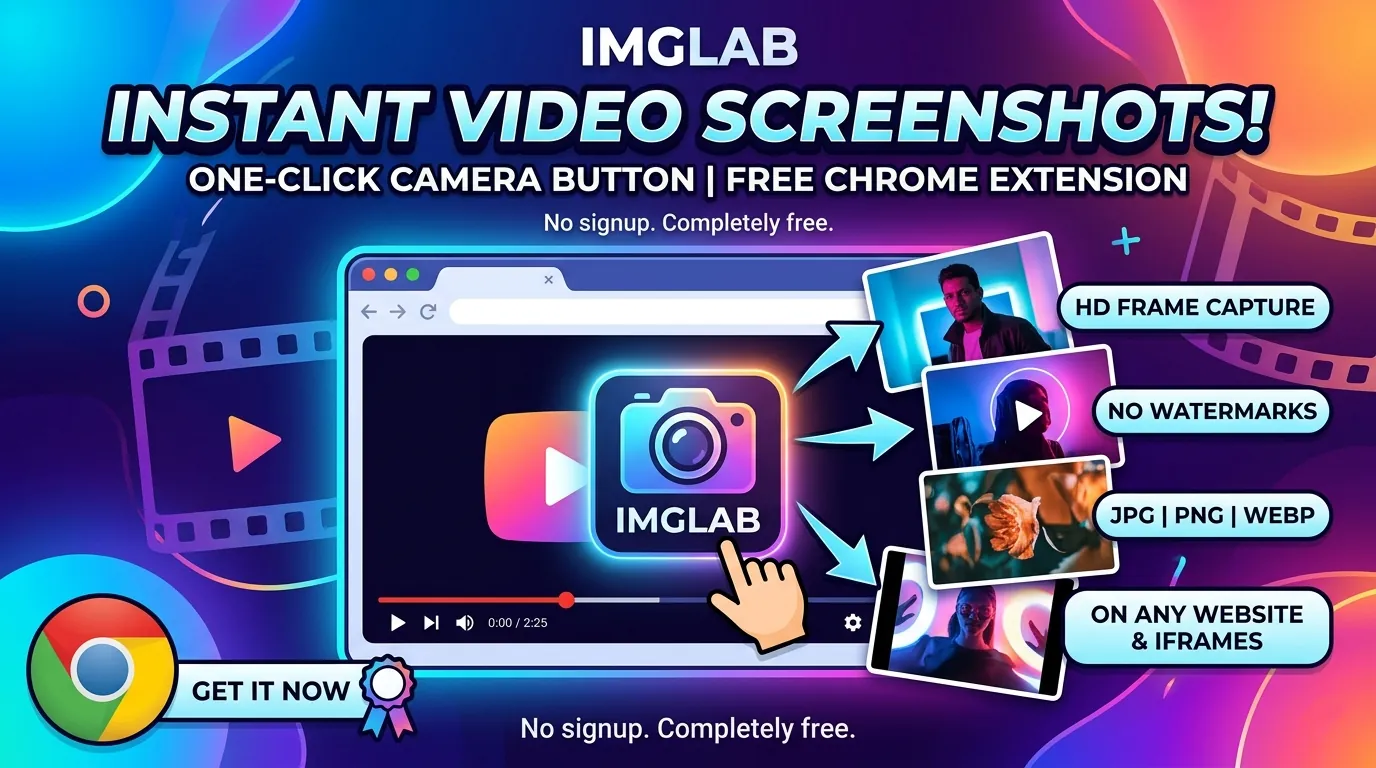
A camera button on every video, on every website — including videos buried inside cross-origin iframes. JPEG, WebP, or PNG. Full native resolution. No watermarks. No sign-up. Completely free.
JPG · WebP · PNG
configurable
all_urls
100% free
You’re watching a video. A perfect frame flashes by — a data visualisation, a movie still, a diagram in a tutorial. You reach for a screenshot tool and by the time it fires you’ve lost the moment, or you get the whole screen with the taskbar and browser chrome polluting it.
IMGLAB Video Screenshot puts a 📷 button directly on the video. Hover, click, done. The file lands in your Downloads folder with a sensible filename and the exact frame you wanted, at full resolution.
What makes this different from Print Screen
The OS screenshot captures everything visible — browser chrome, other windows, notification banners. IMGLAB captures only the video canvas pixels, at the video’s native encoded resolution rather than the shrunk display size. A 1080p stream in a 640px-wide player still exports as a 1920×1080 image.
The second difference is cross-origin iframe support. When a video lives inside an embedded player from a different domain — the most common setup on the modern web — browser security blocks canvas access. IMGLAB detects this and falls back to tab capture + precise crop, so you get a clean image instead of an error.
Same-origin video: draws directly to an HTML5 canvas at native resolution — pixel-perfect, captures subtitle overlays baked into the stream. Cross-origin video: falls back to chrome.tabs.captureVisibleTab, then crops precisely to the video element’s bounding rect × device pixel ratio, accounting for iframe offsets.
The features that matter day-to-day
The button fades out during playback and reappears when the video is paused, so it never blocks what you’re watching. Four configurable positions: top-left, top-right, bottom-left, bottom-right. Bottom positions have a 54px offset to clear player control bars. Position changes apply live to every open tab — no refresh needed.
Press the shortcut and the extension picks the best video on screen: currently-playing videos first, then the one nearest the centre of the viewport. Works inside iframes too — if no video is found in the main page, the signal is broadcast via postMessage to all child frames.
Switch between JPEG, WebP, and PNG. Drag the quality slider (10–100) — it dims automatically when PNG is selected. Set a minimum video size to skip tiny thumbnail previews and ad players. All settings sync instantly to every open tab via chrome.storage.sync.
Files are saved as IMGLAB-PageTitle-HH-MM-SS.jpg. Even inside sandboxed cross-origin iframes that silently block direct downloads, IMGLAB relays the download through the top-level frame via postMessage — your file arrives with the correct name every time.
Four sites blocked by default — here’s exactly why
Most video sites work perfectly. A small number have engineering choices at the infrastructure level that make compatibility impossible — not difficult, impossible. We block these by default rather than pretend the extension works when it doesn’t.
FB’s player intercepts every click on the video element and routes it through its own handler — opening cinema mode instead. Our button cannot physically be clicked. Not fixable.
TikTok’s anti-tamper MutationObserver detects our button element and immediately pauses and freezes the video. Confirmed across three debugging sessions. Not fixable without reverse-engineering their code.
Weibo’s player renders a full-UI overlay at a z-index higher than anything injectable. Tab capture grabs the controls, not the video frame. The result is not useful.
Reddit’s player architecture means no native
<video> elements are found. The button never appears and the shortcut returns “no active video.” Nothing to offer here.DRM-protected content (Netflix, Disney+, etc.) renders on a protected GPU compositing layer that no browser extension can access. Canvas capture returns a black frame — this is enforced by the OS/driver, not a bug we can fix. Overlay UI in tab-capture fallback: when the cross-origin fallback is used, any player controls layered on top of the video area will appear in the screenshot. This is a fundamental constraint of how captureVisibleTab works.
Installation — four steps, under a minute
Download from the Chrome Web Store or our page. Unzip to a permanent folder — it must stay there while the extension is installed.
Open chrome://extensions/, enable Developer Mode, click “Load unpacked,” and select your unzipped folder.
Click the 🧩 icon → ⋮ → “On all sites.” Required for cross-origin iframe injection to work.
This extension runs on community support
IMGLAB Video Screenshot is completely free — no ads, no paywall, no data collection. Every compatibility investigation, bug fix, and new-site test takes real engineering time. If you’ve saved a frame you’re glad you kept, consider chipping in. It directly funds the next update.
Free forever. No sign-up. Works on virtually any video site. If it saves you time, a coffee goes a long way.
Free · No account · MV3 · Works on all sites · v1.3.2