Download every Weibo photo
and video.
One click. Full quality.
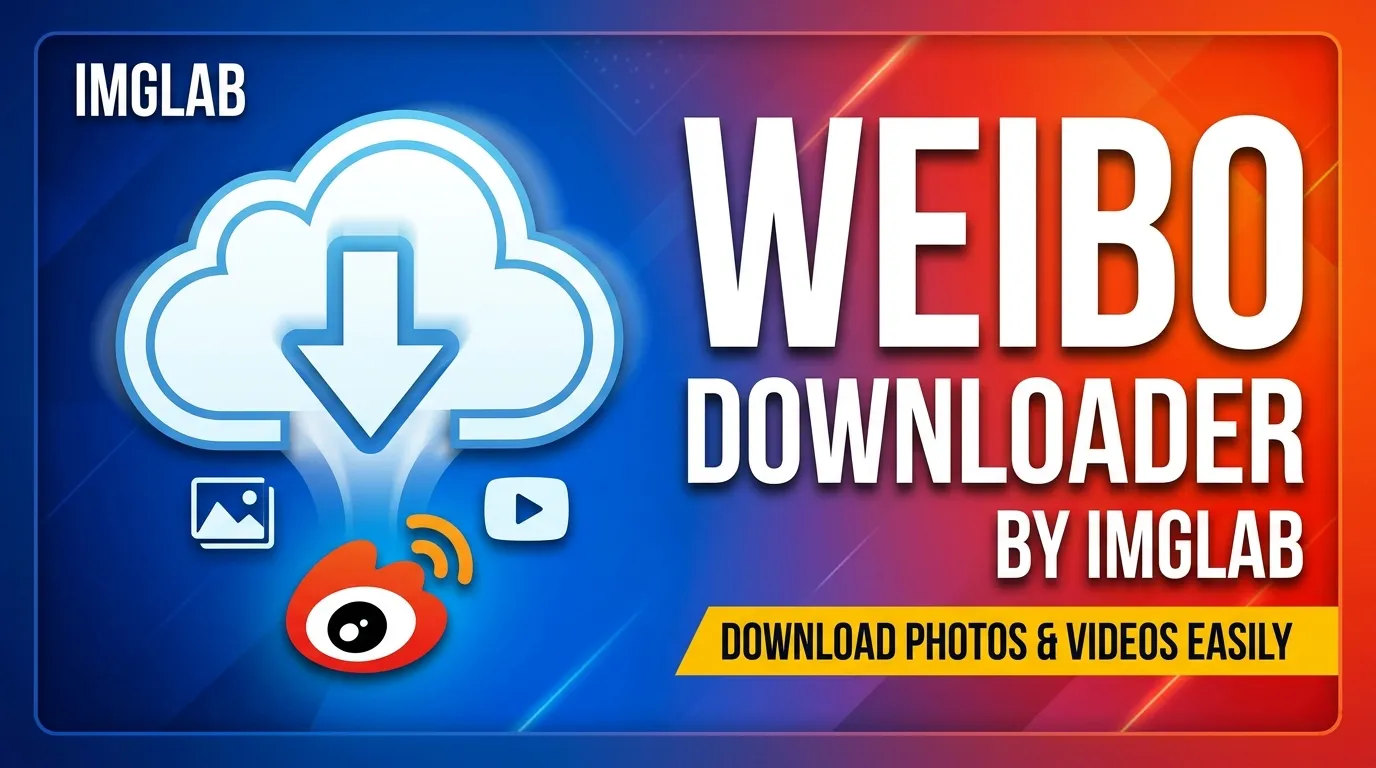
IMGLAB Weibo Downloader is a free Chrome extension that injects download buttons directly into your feed — no pop-ups, no watermarks, no sign-up. Images at original resolution, videos up to 4K, live photos, HLS streams. Everything Weibo can show, you can keep.
weibo.com · s.weibo.com
via TV API chain
no compression
no paywall
Here’s the thing about Weibo: the content is great, but there’s no built-in way to save it. Right-click an image and you get a compressed thumbnail. Videos? No native button. Third-party sites? They hit 403 errors because Weibo’s CDN checks your session cookies and source headers.
IMGLAB Weibo Downloader solves this properly — running inside your authenticated browser session so Weibo’s CDN treats every request as legitimate. Original files, not re-encoded copies.
Right-click save gives ~30% of the original quality
Weibo has zero native save buttons for video content
Third-party sites fail Weibo’s Sec-Fetch-Site check
s.weibo.com is CORS-blocked for cross-origin tools
What it actually does
A MutationObserver watches your Weibo feed for new post cards — catching infinite scroll, navigation changes, and dynamically injected content. It injects a red “Download” button into every media post, plus a small circle badge on each individual thumbnail.
Click the button and all media in that post downloads automatically to Downloads/weibo/username/ with clean, descriptive filenames. Click a circle badge on one thumbnail to grab just that image. No configuration, no menus, no pop-ups.
Features that actually work
Videos resolve through: TV API (4K) → HD playback → mp4_hd → stream_hd → stream_url → live replay. M3U8/HLS streams are fetched and stitched from segments using a 5-concurrent task queue — no ffmpeg, no external libraries. Live progress shown in the button: “32/96 segs”.
Every image resolves to Weibo’s /large/ CDN path. 9-grid posts, single images, and mixed media posts all download at true native quality — not the compressed tile the page displays.
Files save as username-post-text-here-01.jpg. Hashtag-only posts keep the #tag in the name. Retweets use the retweeter’s comment text. Post ID as final fallback — every file stays traceable.
Search downloads are relayed through your open weibo.com tab via chrome.scripting.executeScript — running as weibo.com origin with full cookie context. The only reliable approach for MV3 cross-origin authentication.
Every content type Weibo can show
The extension handles every media format Weibo serves — not just the easy cases. Live Photos save both the still image and the animated video track. Retweeted posts pull media from the original while using the retweeter’s comment for the filename.
All photos via pic_infos at /large/ resolution. Mixed image + video posts handled item by item.
Direct MP4, HLS/M3U8 streams, and archived live broadcast recordings. Up to 4K resolution.
Animated Live Photos save both the still and the video track. Retweeted media resolves from the correct source.
Requirements: Chrome browser · Logged-in Weibo account · One weibo.com tab open when using s.weibo.com
Why this works when others don’t
Weibo’s CDN (sinaimg.cn) checks Sec-Fetch-Site headers and session cookies on every request. Most tools run downloads from a background service worker — which Chrome MV3 strips of page context. Those requests return 403.
This extension runs image downloads via XHR with withCredentials: true from the content script, inside the page’s own browser context. Videos use blob: URLs — not data: URLs — so Chrome’s onDeterminingFilename event fires correctly, giving you proper custom filenames every time. Referer and Origin headers are injected at the network layer via declarativeNetRequest, bypassing the browser’s restriction on setting those headers in XHR code.
When downloading from s.weibo.com, keep at least one weibo.com tab open in your browser. The extension relays authenticated requests through that tab. This is a hard constraint of Chrome’s MV3 model — there is no workaround. On weibo.com itself, no extra setup is needed.
Add the extension to Chrome and download your first Weibo post in under a minute. If it saves you something you care about, a coffee keeps the CDN cat-and-mouse game going.
Free forever · No sign-up · Actively maintained against Weibo CDN changes