The speed controller
your browser forgot to build.
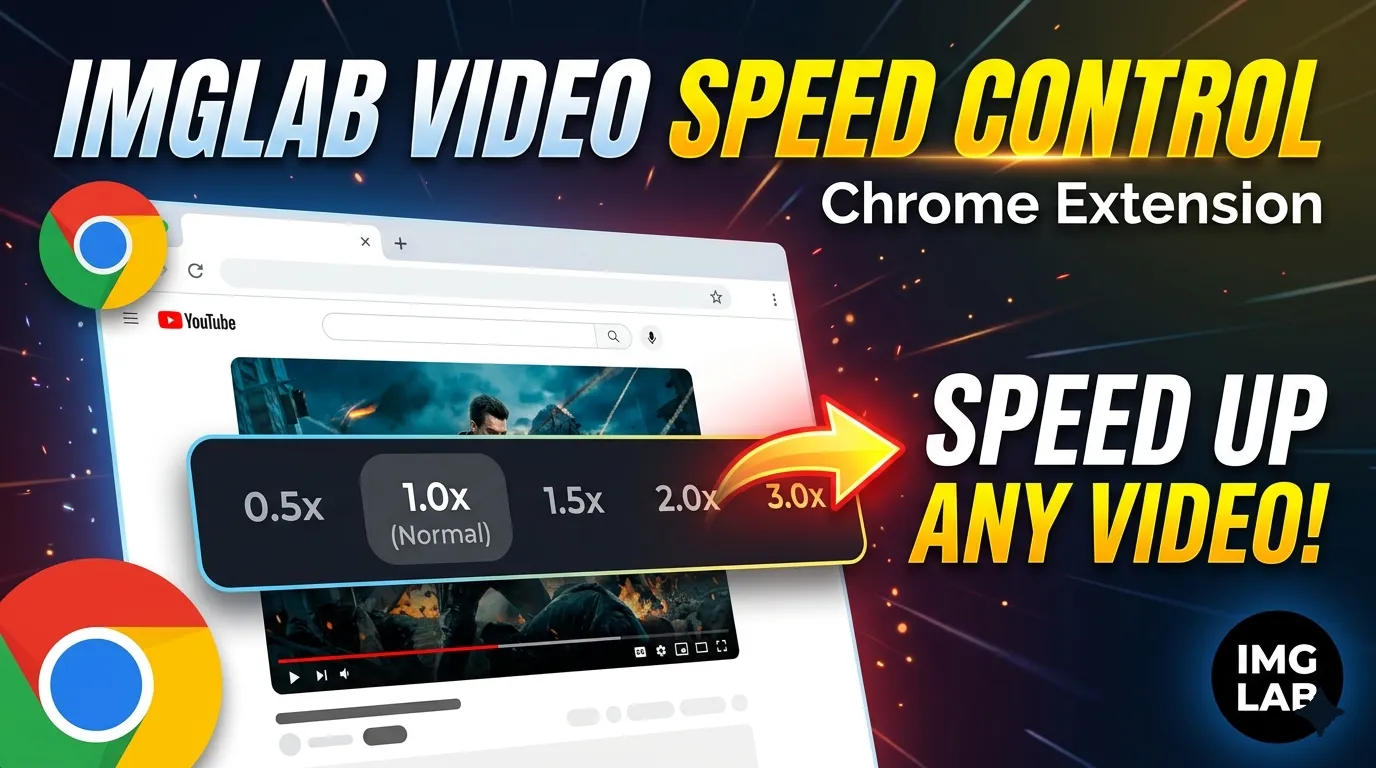
IMGLAB Video Speed Control puts a draggable overlay on every video, gives you 13 remappable keyboard shortcuts, and remembers your preferred speed per site. Works on YouTube, Udemy, Vimeo, Twitch — any page with an HTML5 video element. Free. No sign-up. No ads. No data collection.
supported
shortcuts
granularity
forever
YouTube gives you eight fixed playback speeds. That’s it. Every other video site gives you even less. If you watch lectures, tutorials, or long-form content, you’ve already made peace with this — or found yourself clicking the speed menu twenty times just to land on 1.75×.
IMGLAB Video Speed Control ends that compromise. A draggable overlay controller appears on every video automatically. Thirteen keyboard shortcuts work out of the box, every one remappable. Each site remembers its own speed. And all of it is completely free.
No 1.3×, no 1.6×, no 1.8× — you either round up or live with the gap
Udemy, news sites, lecture portals — zero built-in speed controls
No way to nudge speed by 0.1× without reaching for the mouse
Set it manually every single time — the browser never remembers
Three things that work together
The extension is built around three interlocking pieces: a visible on-page controller, a full keyboard shortcut system, and per-site memory. Each one is useful alone — together they make speed control feel native to the browser.
A sleek [ − ] [ 1.50× ] [ + ] [ × ] controller attaches to every video automatically. Drag it by grabbing the speed number. Double-click to toggle between 1× and your preferred speed. Built inside a shadow DOM — completely immune to page style interference.
Speed up (C), slow down (X), reset to 1× (Z), jump to preferred speed (V), cycle favourites (B), rewind, advance, frame step, volume, pause. All configurable from the popup — click any key badge, press your new key, done. Shortcuts never fire when you’re typing.
YouTube at 1.5×. Udemy at 2×. Netflix at 1×. Each hostname stores its last speed in chrome.storage.sync — it follows you across all your Chrome profiles automatically. New sites start at your configured preferred speed without any setup.
All 13 shortcuts at a glance
All thirteen bindings work out of the box. Remap any of them from the Shortcuts tab in the popup — click a key badge, press your preferred key, hit Save. On YouTube, keys that duplicate YouTube’s native behaviour (arrows, space, comma, period) are intentionally passed to YouTube’s own handler so seek animations and the progress bar keep working perfectly.
Shortcuts never fire when focus is inside an <input>, <textarea>, <select>, or any contentEditable element — no accidental speed changes while searching or commenting.
YouTube gets special treatment
YouTube is a Single Page Application — it doesn’t reload the page when you navigate between videos. That breaks most browser extensions. IMGLAB handles it with three specific YouTube-aware behaviours built into the engine.
Listens for YouTube’s own yt-navigate-finish event, detects stale controllers, re-attaches to the correct parent, and re-applies your speed on every video switch.
Arrow keys, Space, comma, and period are passed to YouTube’s handlers. Seek animations, the +5s bubble, and the progress bar all work exactly as YouTube intended.
Hover previews in YouTube video cards never get an overlay — a size check plus an ancestor YTD-VIDEO-PREVIEW check blocks attachment reliably on any screen size.
Some sites — including YouTube — silently reset playbackRate when a new video loads. IMGLAB listens for the play event and immediately re-applies your speed if the site changed it behind your back. No more surprise speed resets when autoplay kicks in between videos.
Up and running in 30 seconds
Click Add to Chrome below. The extension installs from the Chrome Web Store instantly. Open any video page — the overlay appears automatically in the top-left corner of the video. Press C to speed up, X to slow down. Open the popup to configure preferred speed, step size, cycle list, and remap any shortcut from the Shortcuts tab.
No account. No ads. No data collection. Works on YouTube, Udemy, Vimeo, Twitch, and any other site with an HTML5 video element. If it saves you time, a Ko-fi keeps the project alive.
Free forever · Chrome Web Store · No sign-up required