
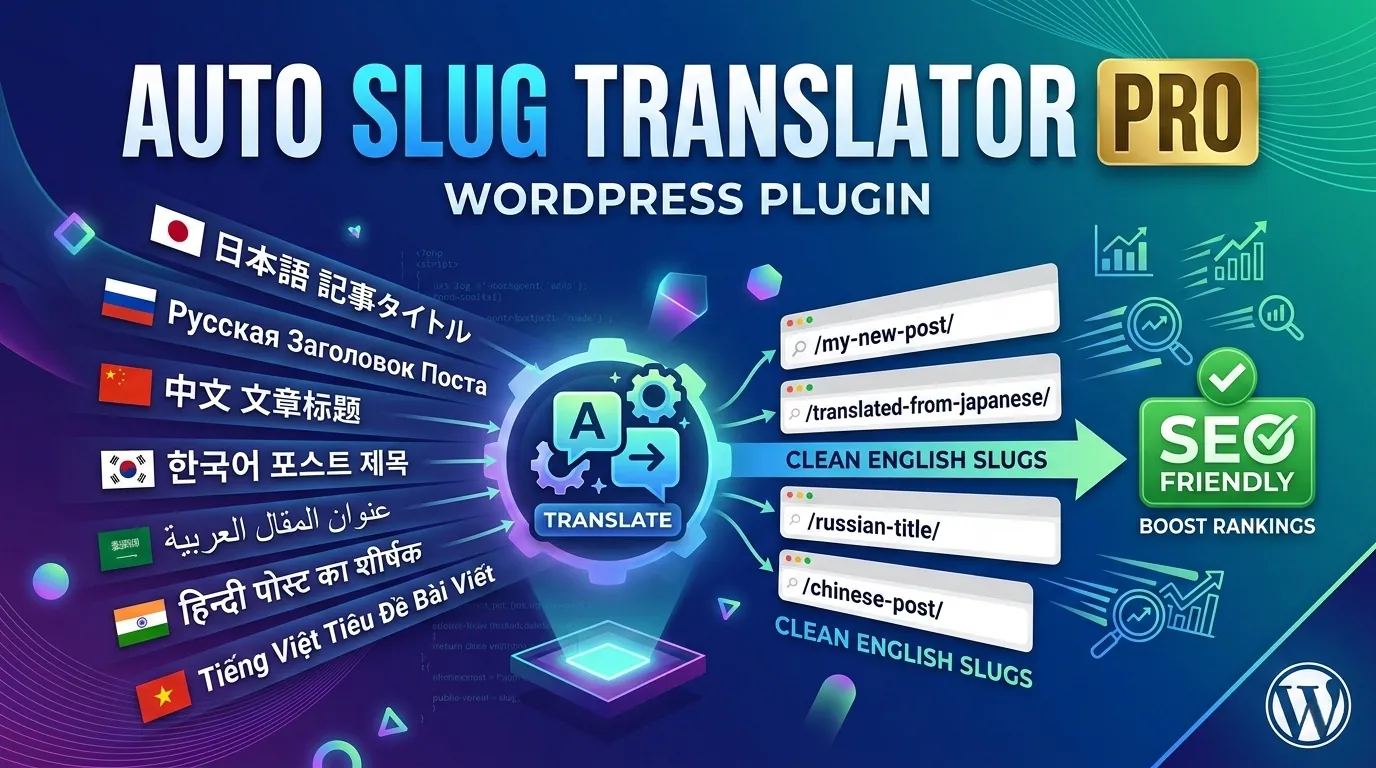
Your blog URLs look like spam.
They don’t have to.
If you write in Japanese, Korean, Russian, Arabic, Chinese — or any non-English language — WordPress is silently generating broken URLs every time you publish. Here’s the one-click fix.
yoursite.com/%E6%9D%B1%E4%BA%AC%E3%83%A9%E3%83%BC%E3%83%A1%E3%83%B3/
yoursite.com/tokyo-ramen-guide/
Look, I get it. You’re writing in Japanese, Korean, Russian, Arabic — whatever your language is. WordPress auto-generates the slug from your title and you move on. Nobody warned you that those percent-sign nightmares were silently killing your SEO and making your share links look spammy.
That’s exactly what was happening on my site before I found Auto Slug Translator Pro.
Links get flagged as spam or truncated on LINE, Twitter, Facebook
Search engines love clean keyword URLs. Percent slugs carry zero keyword value
No one’s going to manually type or share a URL full of percent signs
Your tracking tools have trouble parsing encoded URLs correctly
So what does it actually do?
Every time you save a post, Auto Slug Translator detects if your title contains non-ASCII characters — Japanese Hiragana/Katakana, Korean Hangul, Arabic, Russian Cyrillic, Chinese CJK, Thai, Hindi, Greek, Hebrew, Vietnamese. It calls a free translation API, gets the English equivalent, strips stop words, trims to a clean 60-character slug, and saves it. All automatic. You literally do nothing.
And here’s the part most people miss: it also sets up a 301 redirect from your old broken URL to the new clean one. Every link you’ve already shared keeps working. Google transfers the SEO juice. Nothing breaks.
The Pro features that actually matter
The free version handles new posts going forward — solid. But Pro is where it gets interesting, especially if you’ve got an older blog with hundreds of already-broken slugs.
Run a Pre-Run Scan first — shows every post with a broken slug, zero API quota used. Set how many posts to convert per run, hit start, watch the live log. Stop anytime. Resume later — posts already converted are automatically skipped on the next run.
Free plan: 5,000 characters/day. Pro bumps that to 50,000 — just by entering your email in settings. No credit card. Not even a password. Around 350 post titles per day.
Check remaining daily quota with one click before running a big batch. Green ✅ means go. Red 🔴 means wait until midnight UTC reset.
It’s everywhere in your editor
The translate button isn’t buried in some settings page. It shows up exactly where you’re already working:
Dedicated panel in the block editor. One click translates and saves — no need to save the post first.
Click your permalink to edit it and the translate button appears right there inline. Only shows when needed.
From the Posts list screen. Fix a slug without opening the editor. Great for cleaning up a handful at a time.
No API key required. Language detection is instant via Unicode ranges — no external call needed.
The pricing is almost embarrassingly fair
The free version is genuinely useful — covers all editor integrations and handles new posts automatically. If that’s all you need, grab it from WordPress.org.
But if you need to clean up an existing site, or you’re publishing heavily, the Pro version is $9 one-time. Not $9/month. Not a subscription. Nine dollars, license never expires, 30-day refund if it doesn’t work for you.
- All Pro features unlocked
- 50,000 chars/day quota
- Bulk Convert with live log
- 1 year updates + priority support
- License key delivered instantly
- 30-day money-back guarantee
Every post you publish without a clean slug is a tiny SEO loss. Fix your old ones. Fix new ones automatically. It’s a one-time $9 decision you’ll forget you even made — because it just works.
30-day money-back · No subscription · License never expires